Write
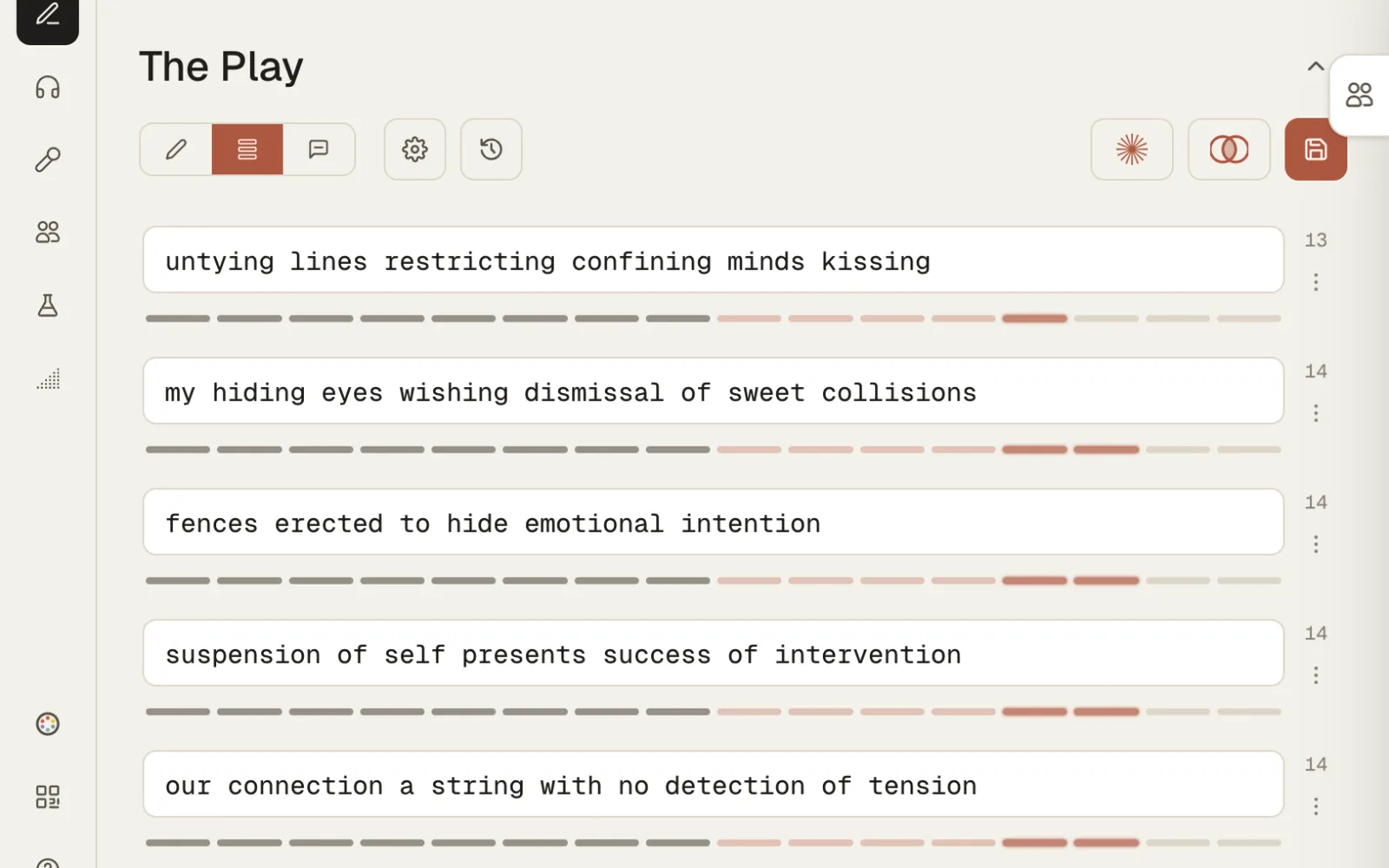
Write bars, not paragraphs
Piece types that present true to form. Every bar has its own menu: duplicate, move, annotate, delete, all undoable.
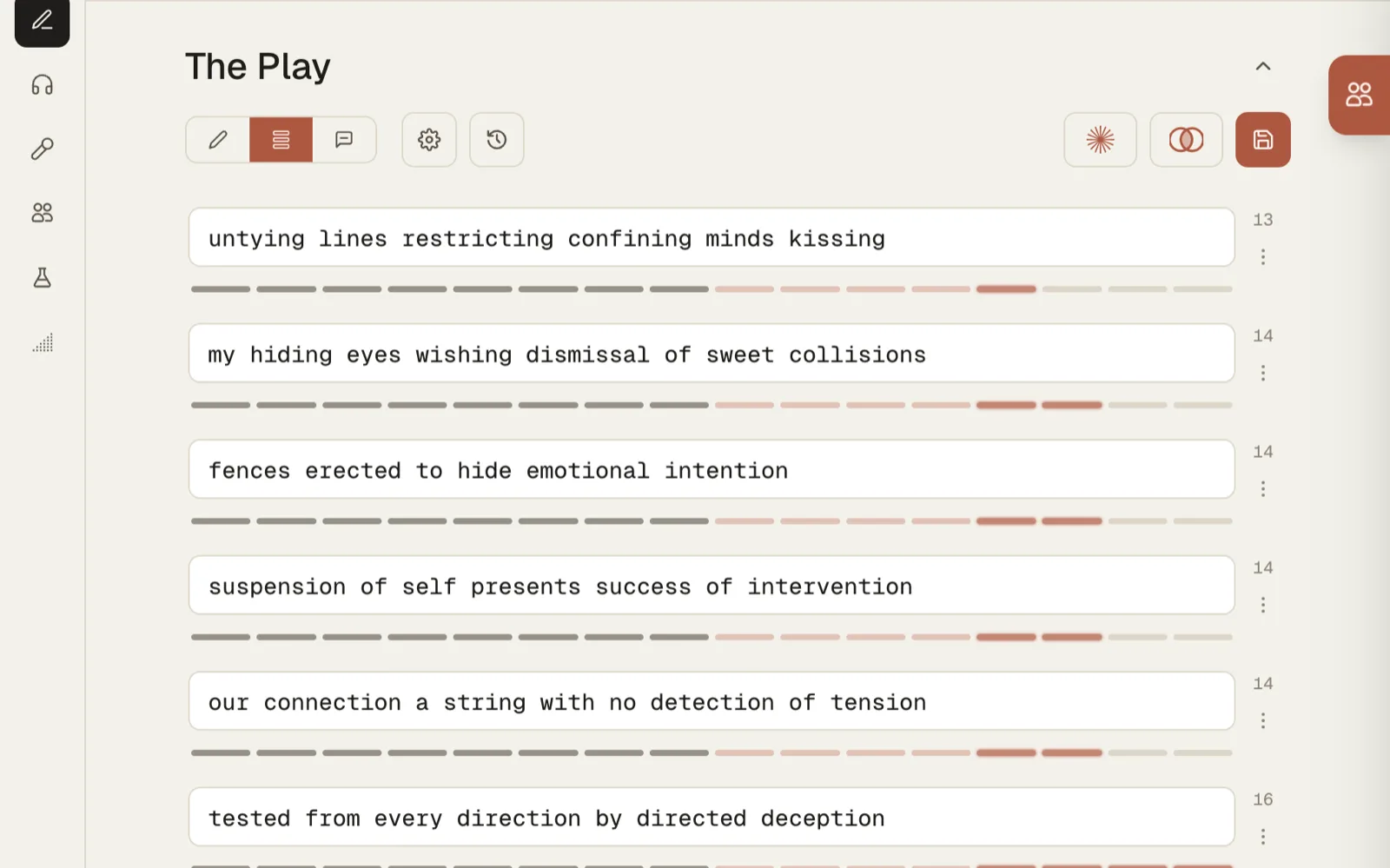
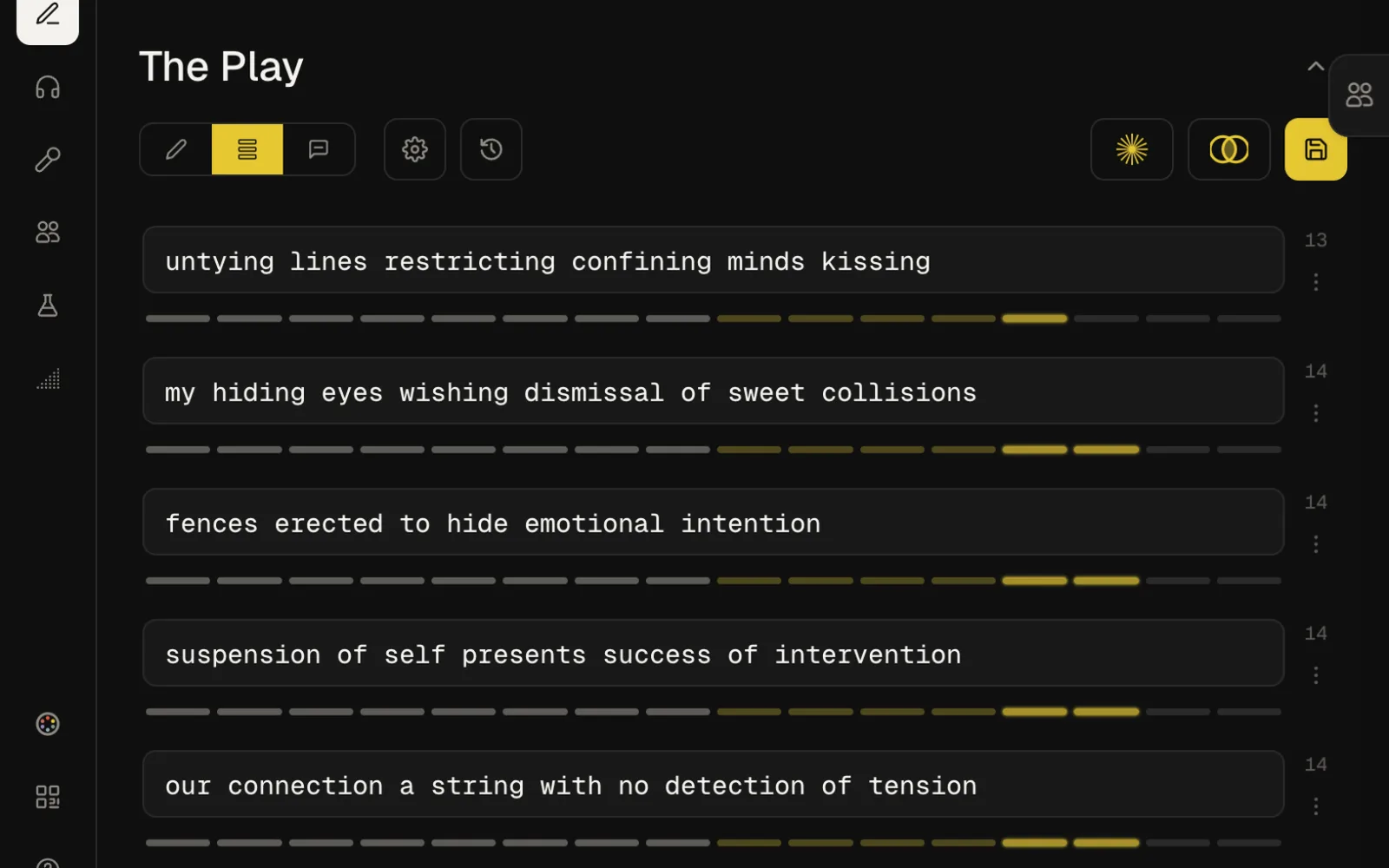
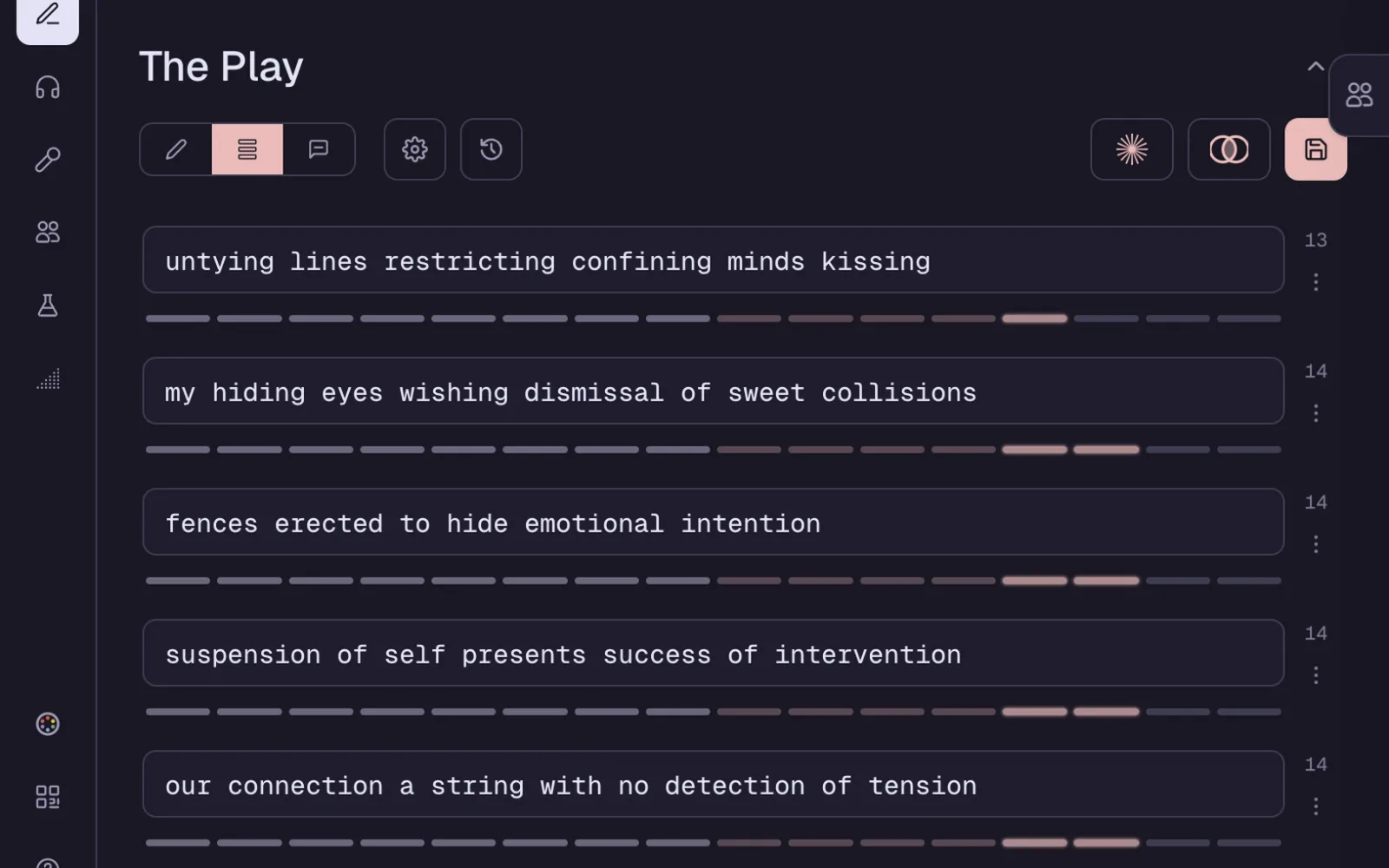
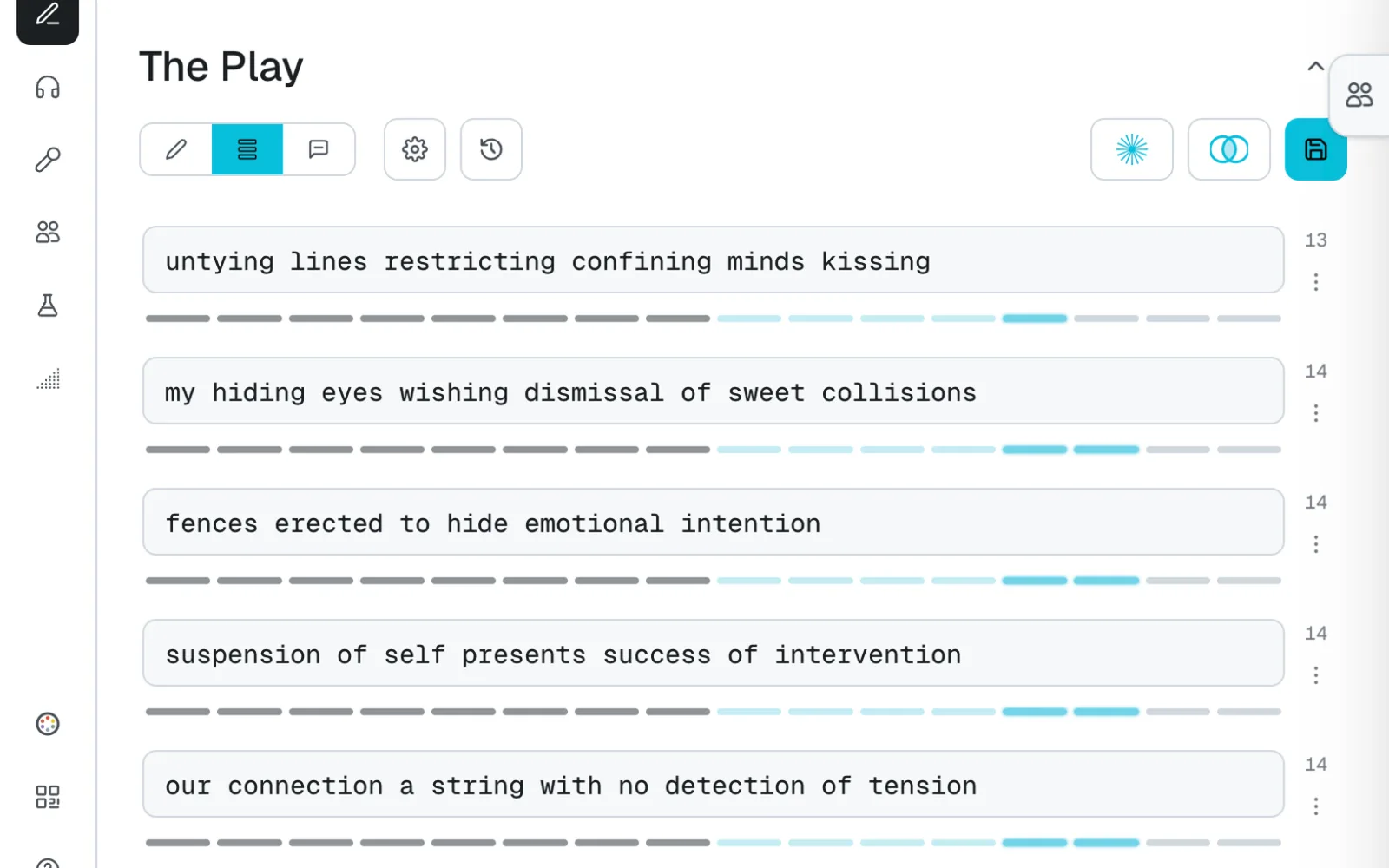
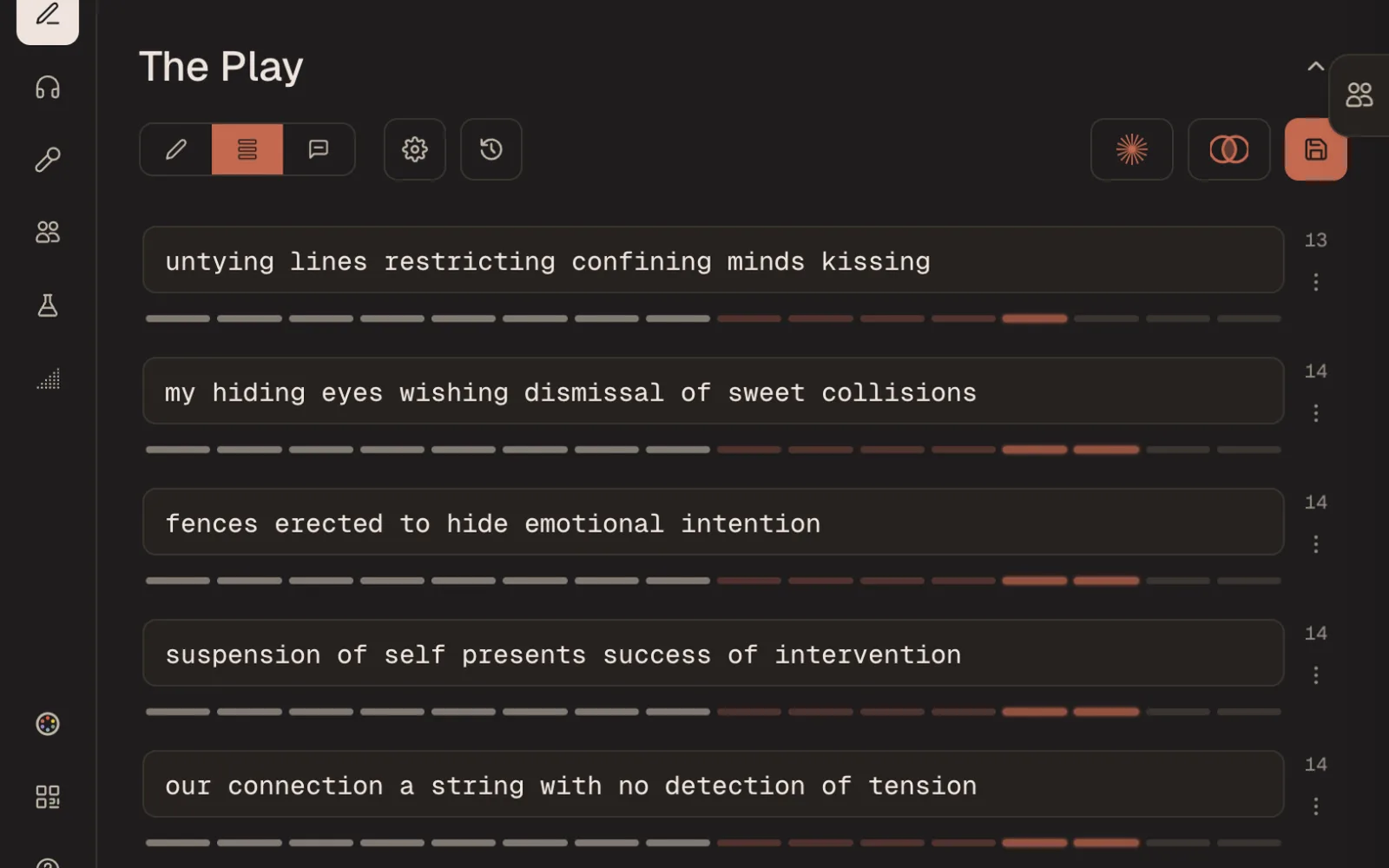
Bar mode, with the syllable count on every line
Bar mode simple view, or bars with a syllable count Rhymes at the cursor suggested by syllable combination Sparks flip through pre-built prompts and challenges Annotations explain a bar while the rhyme is fresh Jot one button to catch an idea for later Pen names write under more than one name
No red squiggles under a fragment you meant.
Protect
Writing journey tracked, never lose an edit
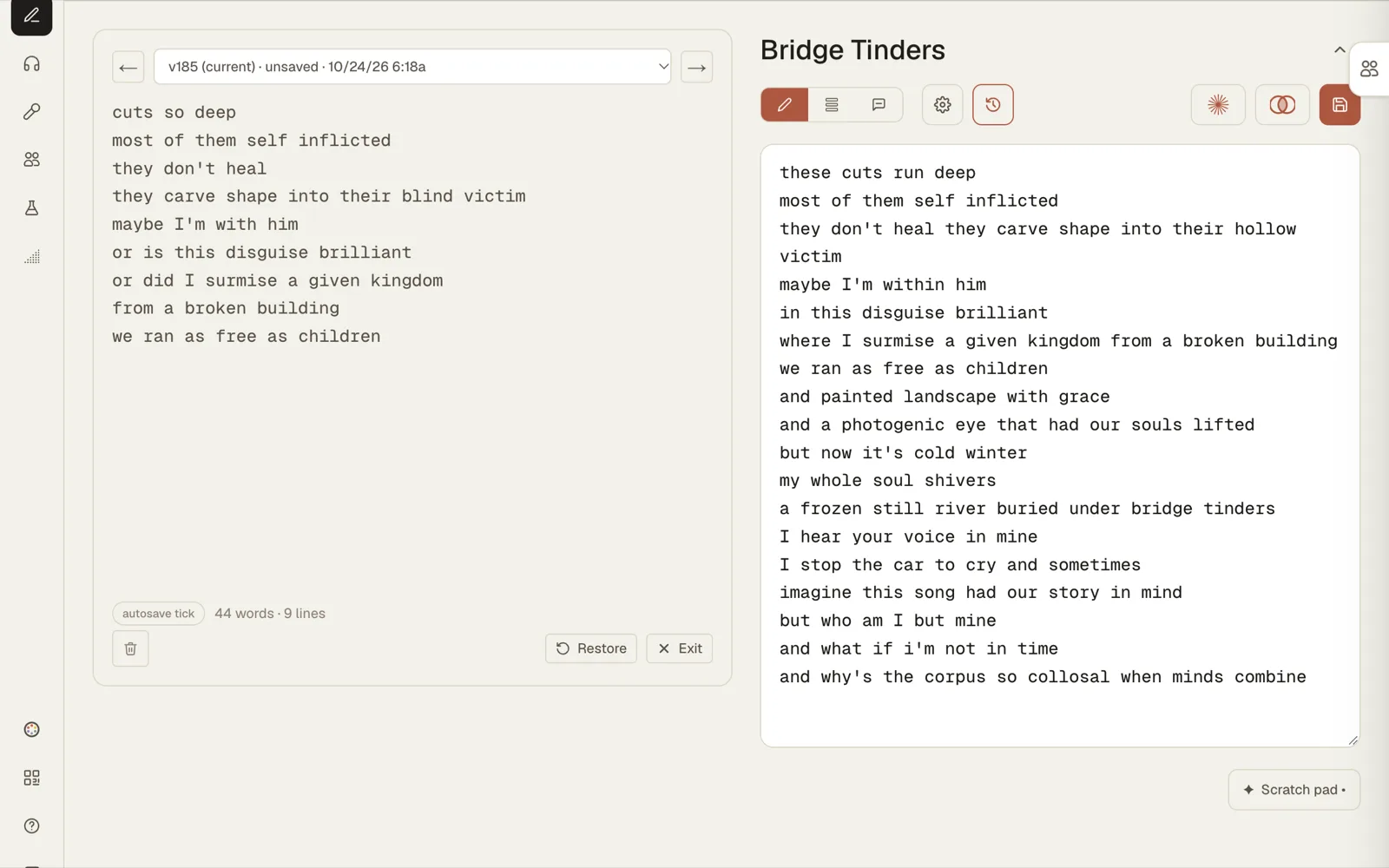
Every change becomes a restore point. Watch a piece un-write itself back to the first word, and restore from any point along the way.
Scrubbing a piece back through its versions
Autosave and versions a restore point with every change Unlimited undo scrub back to the first word Lock a finished piece stays finished Offline write offline and save when reconnected Backup and sync everything, to Dropbox or Google Drive
Offline needs one visit on that device first.
Photo: Soundtrap
Headphones on, crate open.
Listen
Keep your instrumentals where you write
Curated crates of instrumentals to start from, or your own. Favorite, tag, pull and link a beat into the piece you are working on.
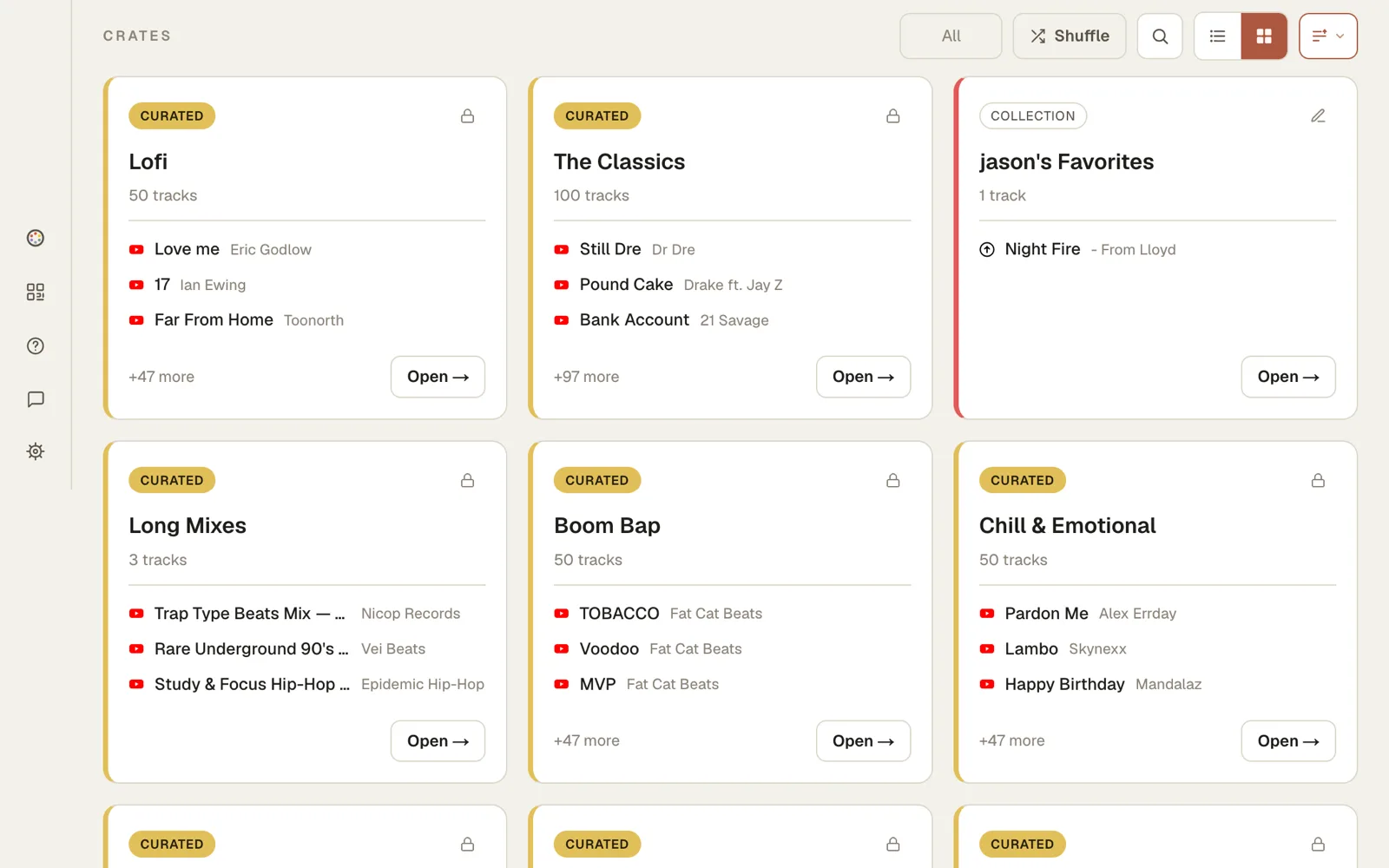
The curated crates, next to your own
Curated crates packs of free instrumentals, new ones added Your own beats upload, or link from YouTube Crates organize tracks the way you would on a shelf Loops save four loops on any track Linked to the piece rehearsed instrumentals, loaded with linked pieces
Loops work best on a stable connection. Spotify at 250,000 users.
Deconstruct
Pull the scheme apart visually in layers
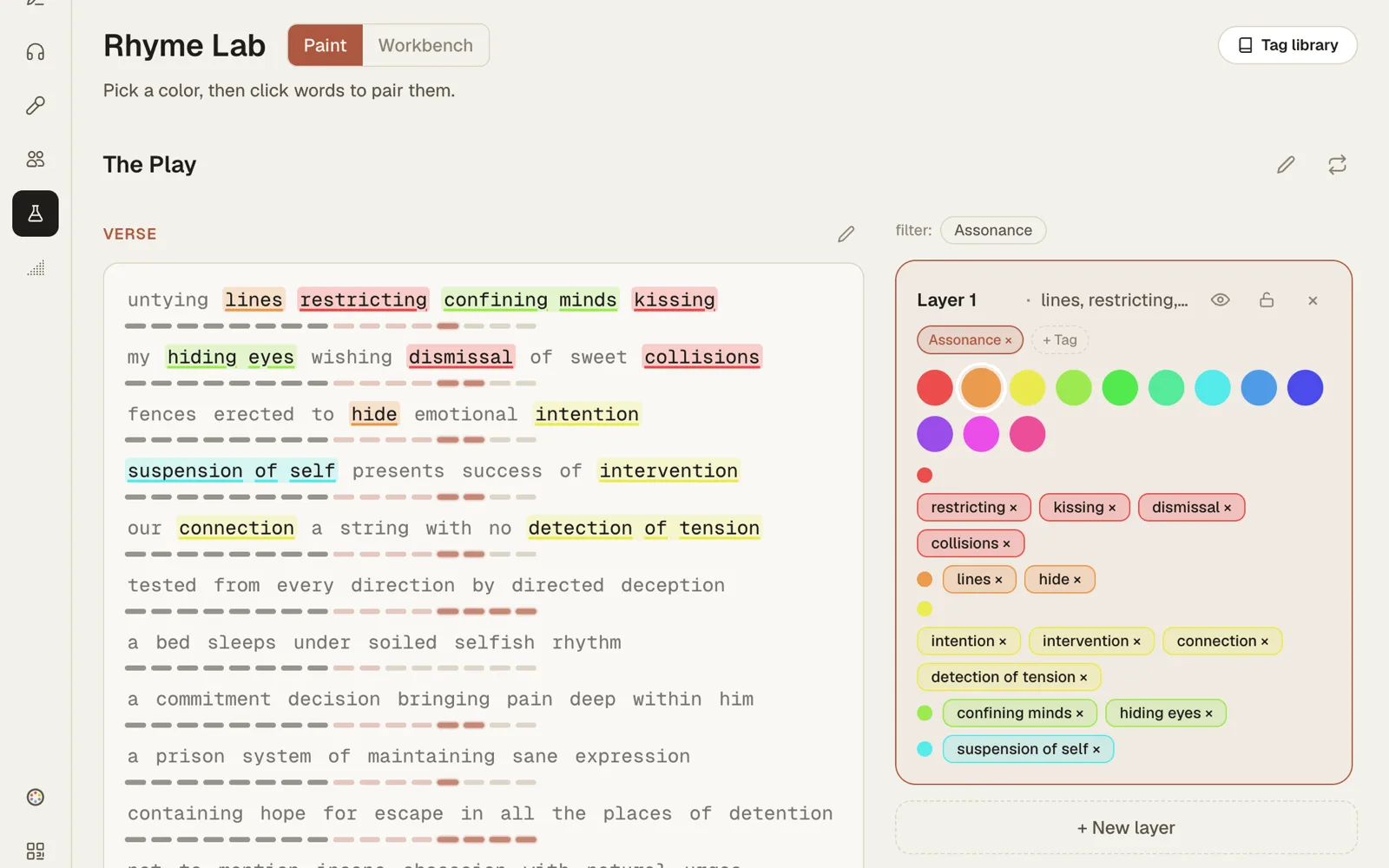
Paint the rhymes in a verse by hand in the Rhyme Lab. See where a scheme holds, and where it drifts.
The Rhyme Lab, one layer painted by hand
Color by hand paint every rhyme yourself Layers one word in two families at once Tags by layer and by rhyme convention Scheme Library rhyme school with definitions and examples
The lab studies your writing. It does not import published lyrics.
Organize
Keep a body of work, not a folder
The Vault holds every piece, searchable and filterable. Group what belongs together, and see the shape of the whole catalogue.
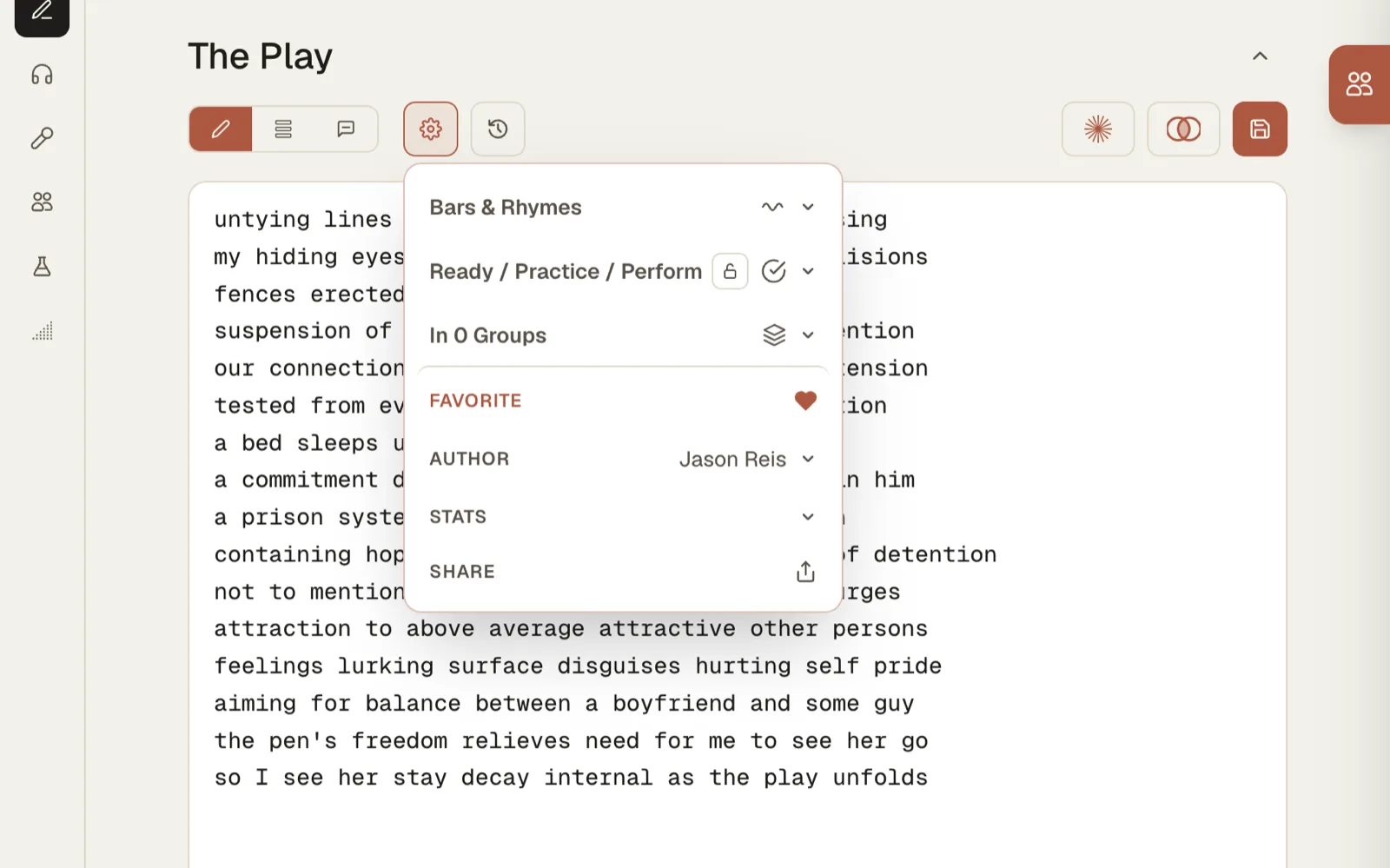
A piece's stage, pen name and stats, one menu
Notebooks sets, albums and collections Stages idea, working, ready Search by title, or by the words inside Stats any set of work, plus writing frequency
Photo: Melyna Valle
On stage, the piece in hand.
Collaborate
Keep it between collaborators with no leakage
Share a piece with the people working on it, and no one else. Private by design.
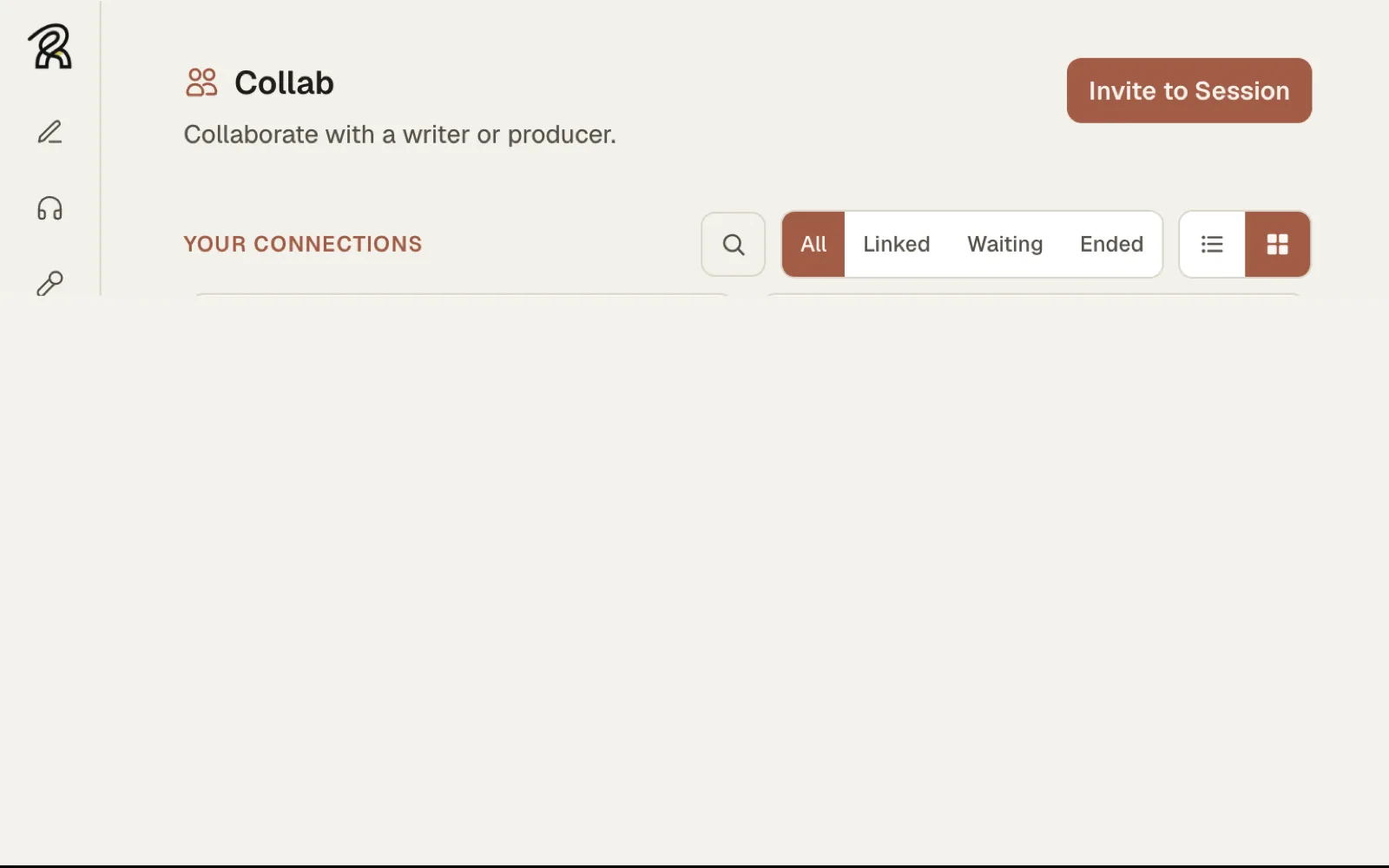
Collab, invite to a session
Private rooms invite by QR code or private code Cypher or trade take turns, or pass a piece back and forth Room chat comments stay beside the work in the room
This is not a social feed. Nothing posts out to the world.
Perform
Walk in ready
Load an instrumental, read the piece with the prompter, loop a part of any track until it sits. Then stage mode: the piece full screen, phone in hand. When someone says spit something, you are there in a few frictionless clicks.
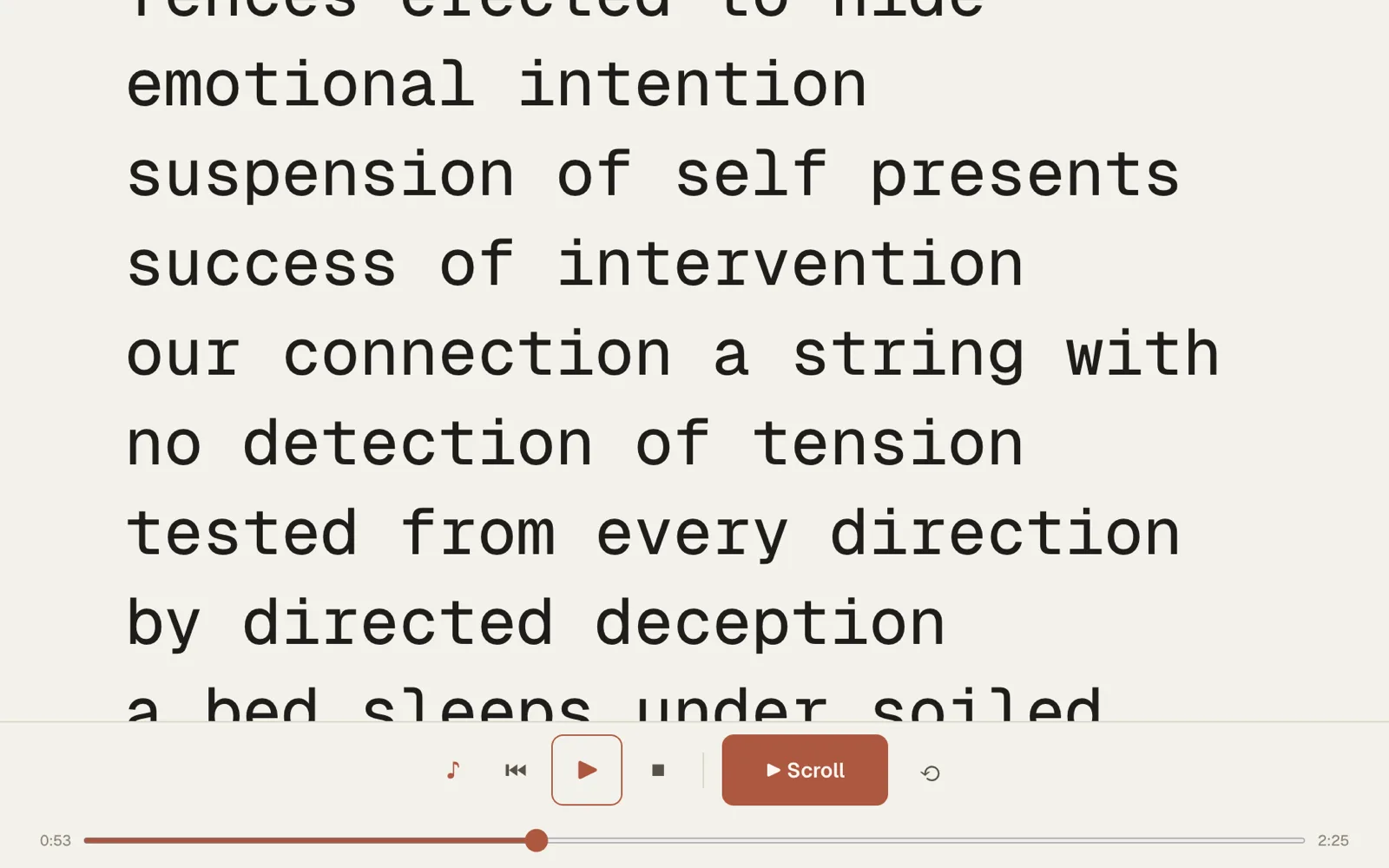
The prompter, scrolling at 1.25x the beat
Prompter full screen, dialed in to the beat One player uploads or YouTube beats on stage Loop it run a section until it sits Ready in clicks a linked piece opens into stage mode
Next
Start with everything on.
Your first month has the whole workspace and your own beats in it. No card.